
Thursday, 22Oct 2026
Software Rollout Training: How to Design eLearning That Gets Employees Productive on a New System from Day One
A new core banking platform, an ERP…
Thursday, 30Apr 2026
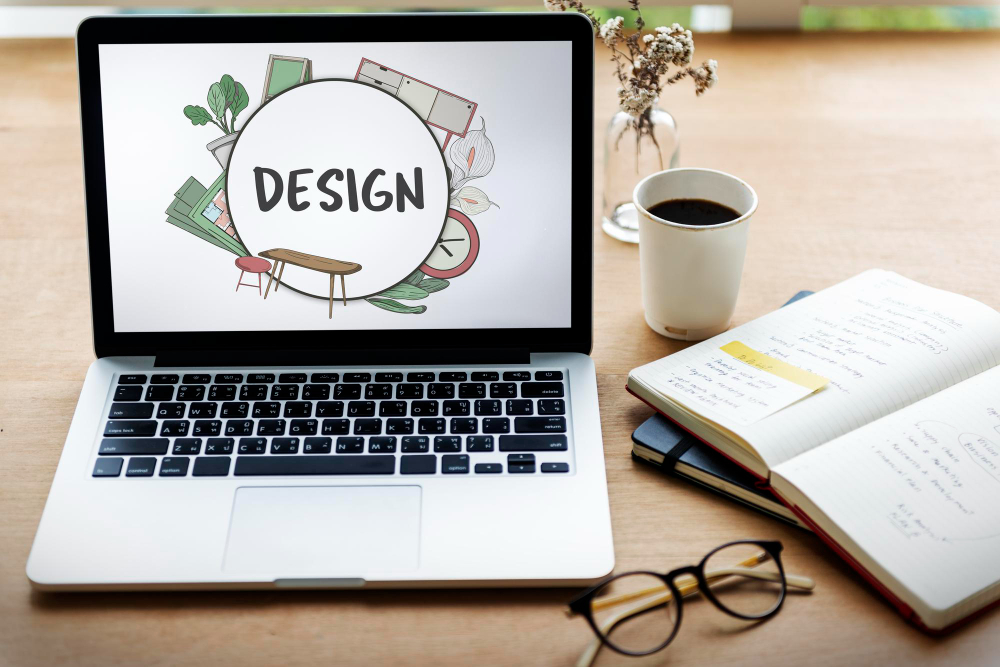
In an age where the average attention span is shorter than ever, e-learning visual design is no longer just about “making things look pretty”; it is the strategic backbone that determines whether your learners stay engaged or tune out within the first three minutes. At Learning Owl, we have seen firsthand how the fusion of cognitive science and aesthetic excellence can transform a standard module into an immersive journey. But what exactly separates a mediocre slide from a high-performance learning experience?
The truth is, your learners don’t separate the content from the container. If the visual architecture is cluttered, the brain perceives the information as difficult. Conversely, a well-structured interface acts as a silent instructor, guiding the eye and reducing cognitive load.
In this comprehensive guide, we will break down the essential pillars of e-learning visual design to help you create training that isn’t just consumed, but remembered.
To master e-learning visual design, one must first understand Cognitive Load Theory. The human brain has a limited capacity for processing information in the working memory. When a screen is overloaded with competing colours, erratic fonts, and misaligned elements, the learner spends more energy “deciphering” the layout than “learning” the content.

Visual hierarchy is the arrangement of elements in a way that implies importance. By using size, colour, and placement, you can control the “eye path” of your learner.
Implementing these principles ensures that your e-learning visual design remains professional, accessible, and pedagogically sound.
Often called “negative space,” white space is the breathing room between elements. It prevents the learner from feeling overwhelmed and helps highlight the most important concepts on the screen.
High contrast between the background and text is non-negotiable for accessibility (WCAG compliance). Beyond readability, contrast can be used to make call-to-action buttons “pop,” ensuring learners know exactly where to click next.
Limit your course to two font families: one for headings and one for body text. Consistency in typography builds a sense of reliability and professionalism throughout the module.
Icons should simplify, not complicate. Use universally recognized symbols (like a magnifying glass for search or a house for home) to reduce the mental effort required to navigate.
Colours evoke emotions. Blue often signifies trust and professional calm, while orange can spark energy. Align your colour palette with the subject matter—corporate compliance might require more muted tones, while a creative brainstorming module can handle vibrancy.
A misaligned image might seem like a small detail, but it creates “visual noise.” Using a grid system ensures that all elements feel connected and intentional.
Repeat certain design elements (like the style of your borders or bullet points) to create a “theme.” This makes the course feel like a unified experience rather than a collection of random slides.
Related items should be grouped together. If an image describes a specific paragraph, keep them close. This allows the brain to make instant connections without searching the screen.
In 2026, many learners access training on the go. Your e-learning visual design must be fluid, ensuring that text is legible and buttons are “tap-friendly” on any device.
Stock photos of “people shaking hands” are outdated. Use authentic, diverse, and contextually relevant images that reflect the learner’s real-world environment to build empathy and engagement.
As we move further into 2026, e-learning visual design is shifting toward micro-interactions and spatial design. Integrating 360-degree images or subtle animations when a learner hovers over an object provides instant feedback, making the experience feel “alive.”
At Learning Owl, we specialize in “Instruction-First” design. This means we don’t add graphics because they look cool; we add them because they facilitate a deeper understanding of the subject matter.
Even experienced designers can fall into these traps:
Ultimately, the quality of your e-learning visual design directly impacts your ROI. When learners enjoy the interface, they are more likely to complete the course and apply the knowledge. By following these principles, you move from simply delivering information to creating a transformative experience.
Ready to elevate your training? Learning Owl is here to help you bridge the gap between complex content and stunning, effective visual design.
Effective visual design reduces cognitive load, allowing the brain to focus entirely on the content. By using visual cues and hierarchy, it helps the learner organize information in their long-term memory more efficiently.
Never. Content is king, but design is the ambassador. Without good design, even the best content will struggle to gain and hold the learner’s attention.
It depends on the goal. Blue is excellent for focus and trust; green is soothing for long modules; and red/yellow should be reserved for alerts or critical warnings.
Ensure high color contrast, use a minimum font size of 16px, provide alt-text for images, and never rely on color alone to convey meaning (e.g., use icons alongside red/green indicators).
A mix is best. Use video for storytelling or complex demonstrations, and static images for checklists, summaries, or when you want the learner to pause and reflect.
Thursday, 22Oct 2026
A new core banking platform, an ERP…

Monday, 19Oct 2026
Almost every employee has done it. You…

Thursday, 15Oct 2026
Engaging Technical Training Starts with a Simple…
Thursday, 22Oct 2026
A new core banking platform, an ERP…
Monday, 19Oct 2026
Almost every employee has done it. You…
Thursday, 15Oct 2026
Engaging Technical Training Starts with a Simple…
Thursday, 22Oct 2026
A new core banking platform, an ERP upgrade, a fresh CRM for the sales team or a new claims system for an insurer: every organisation goes through system changes, and…
Read More line_end_arrow_notch
Monday, 19Oct 2026
Almost every employee has done it. You open the annual compliance course, click "Next" until the quiz appears, guess your way to a pass mark, and close the window. Box…
Read More line_end_arrow_notch
Thursday, 15Oct 2026
Engaging Technical Training Starts with a Simple Shift Engaging technical training begins when employees stop seeing training as information they have to complete and start seeing it as knowledge they…
Read More line_end_arrow_notch